All SEO
  SEO News
  SEO Strategy
  Ask An SEO
  Enterprise SEO
  Google Algorithm Updates
  International SEO
  Link Building
  Local SEO
  Mobile SEO
  On-Page SEO
  Technical SEO
  Vertical SEO
  Wordpress for SEO
  Web Dev for SEO
  SaaS SEO
  E-commerce SEO
  AI-Driven SEO
Google Monitors and Removes Your Government IDs from Search Results Now


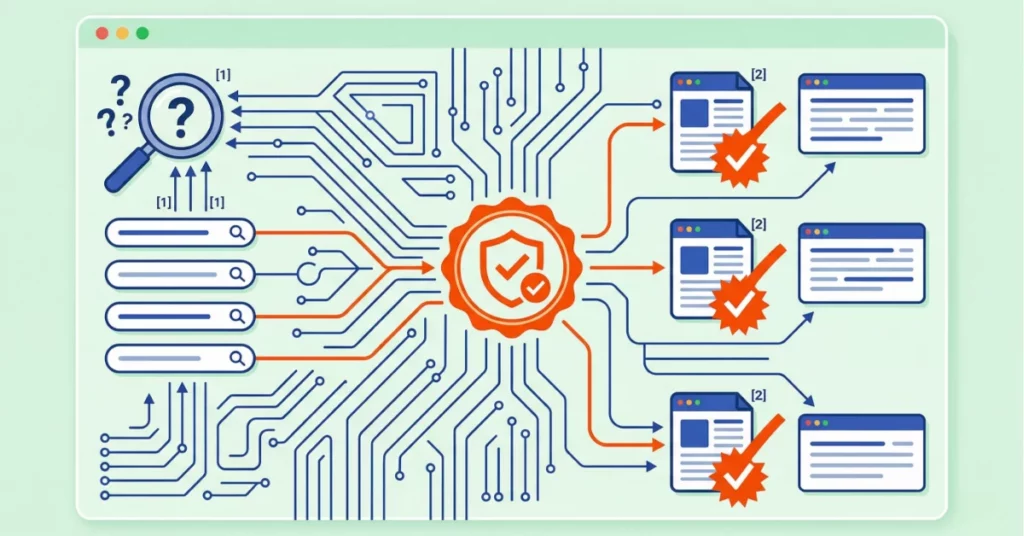
Google has gone on to update its “Results About You” privacy tool to help you protect sensitive government-issued identification numbers from appearing in Search results.
This marks a big shift in personal data protection, especially as identity theft and online exposure risks increase.
What Is the “Results About You” Tool?
This tool lets Google users identify and request the removal of Search results that contain their personal information.
When first launched, it focused on contact details such as phone numbers, email addresses, and home addresses.
Now, Google has expanded this tool to include government ID numbers that are far more sensitive and harder to replace than basic contact information.
This update was introduced by the company on Safer Internet Day on February 10, 2026 and is initially rolling out in the United States, with other regions to follow.
What’s New with Government IDs?
Under the updated system, users can now input and monitor government identification numbers such as:
- Driver’s license numbers
- Passport numbers
- Social Security numbers
Once a user adds these identifiers to their Google account’s monitoring profile, Google automatically scans Search results for matches and sends alerts if it finds them.
This can then extend the tool’s role from passive removal requests to proactive monitoring. These notify you when your sensitive data shows up in Search results.
Importantly, Google secures the information submitted into the tool using encryption and internal security protocols, helping protect what you share with them.
Why Government ID Protection Matters?
Any government-issued number is permanent and often linked directly to your legal identity. Unlike a phone number or email address, these identifiers cannot simply be changed if exposed publicly.
Your Social Security number along with your passport number is used by banks, employers, and government agencies. This is to verify your unique identity.
If these appear in public Search results, they can risk identity theft, fraud, and misuse by malicious people.
This makes it all the more critical to monitor and act when such data surfaces online.
How to Use the Tool
To start using the expanded tool:
- Open the Google app on your device.
- Tap your profile photo and select “Results About You.”
- If you are new to the tool, follow the setup prompts to add personal contact information first.
- Then input your government ID numbers to be monitored.
Once entered, Google will continue scanning and notifying you when it finds matches in Search results.
Final Thoughts
Google’s expanded “Results About You” tool offers enhanced data protection at a time when privacy concerns are growing worldwide.
By allowing users to monitor and remove government-issued ID numbers from Search, the company is now providing a proactive way to safeguard personal identity online.
Needless to say, complete protection still depends on addressing the original source of the data, and not just its visibility in search listings.
Websites can go on to publish legal documents, public records, or aggregated personal data that may see an increase in removal requests.
As awareness grows, more and more individuals are likely to monitor and act on sensitive exposures.
This reflects a broader shift toward stronger personal data protection in Search without eliminating online risks entirely, it gives users more control over how their most sensitive information appears in public search results.